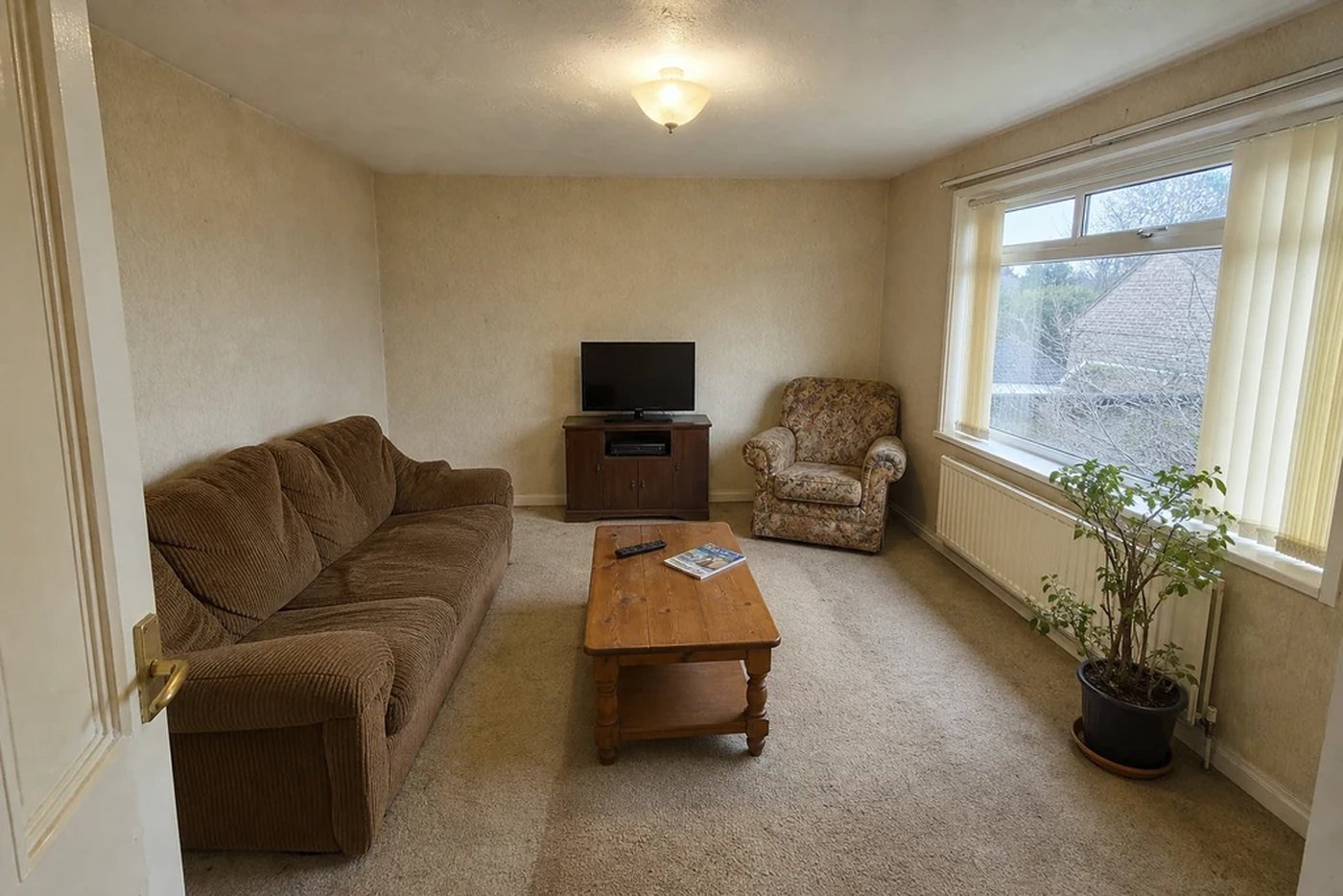
Interior design, from your own photo
Photograph the room you already have, choose a look, and it comes back redesigned — not a stock render of somebody else's living room.
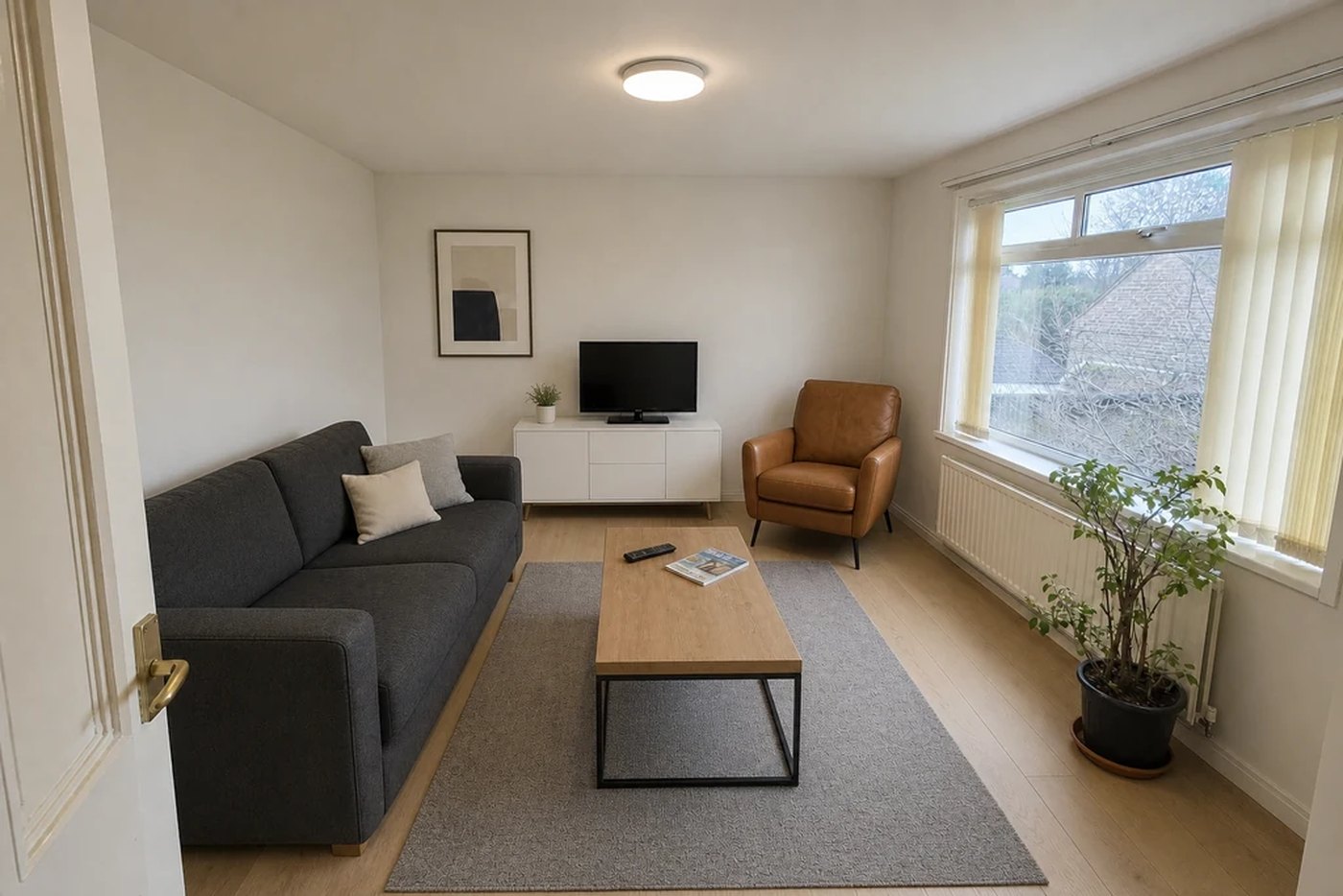
Structure lock is on by default. Walls, windows, doors and the ceiling stay exactly where they are — you can switch it off when you want the AI to move them.
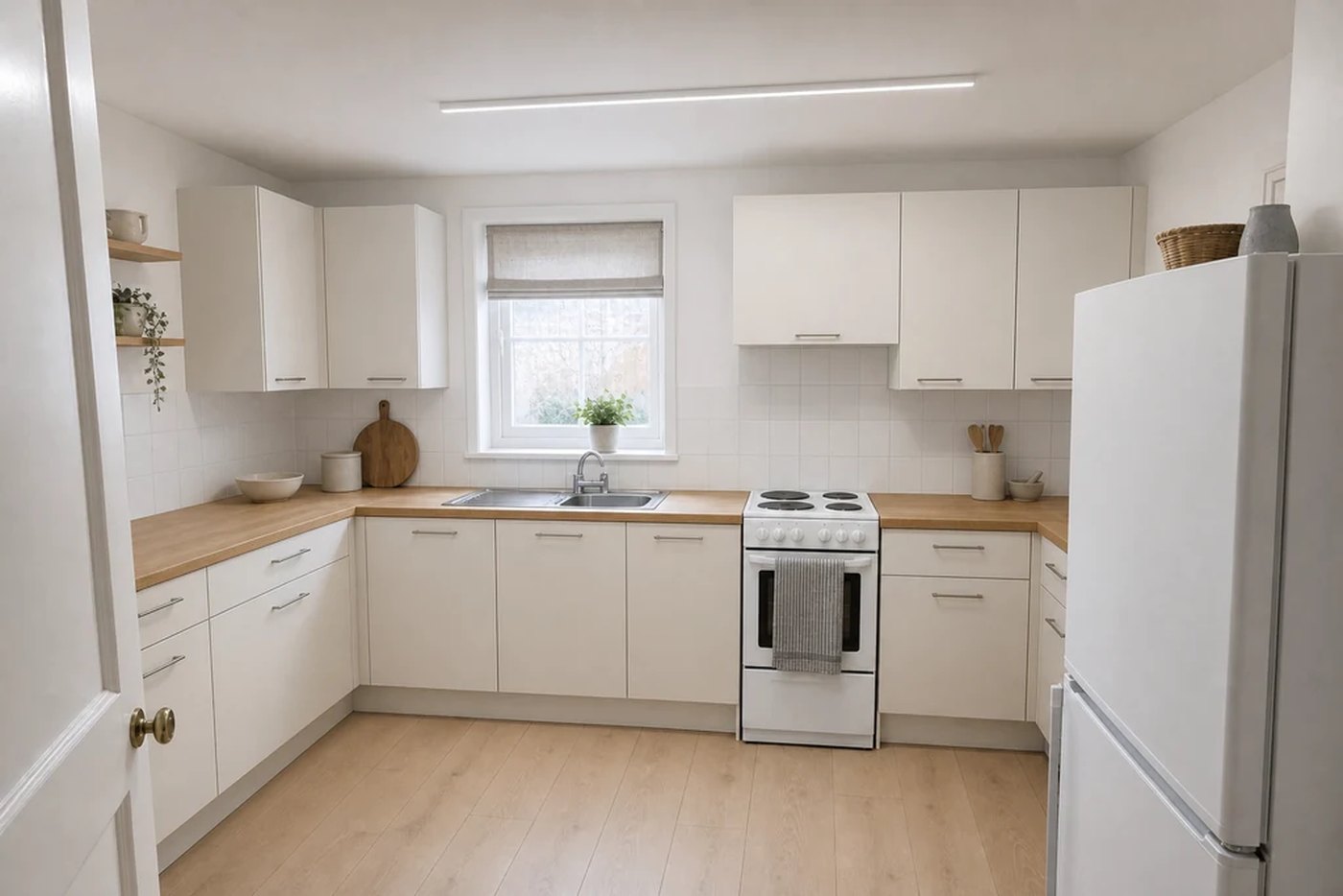
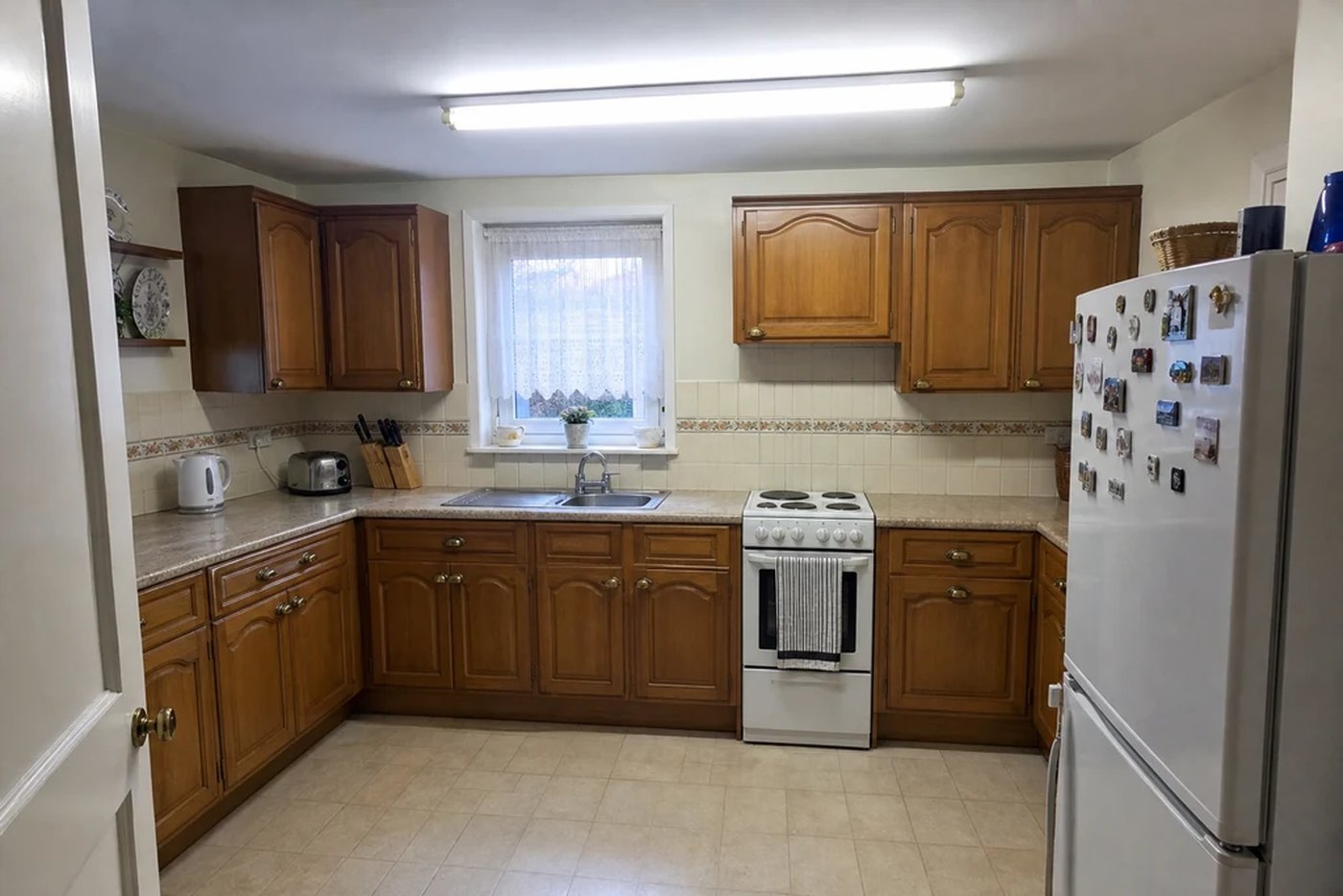
Drag it. One photograph, one window, one doorway.
How it works
There is no kitchen-or-bedroom question anywhere in the app. The model is looking at your photograph, so it can already see — and being told otherwise only ever overrode what it could see.
Straight on, whole room, lights on. You say one thing about it — interior, house exterior or garden — because those are three genuinely different jobs.
Fourteen styles, or describe what you want in your own words. Everything else has a working default, so the shortest path is two taps.
The result arrives in about thirty seconds with a slider between your photo and the redesign, so you can check for yourself whether the room held.
Ten ways to change a room
Repainting a wall and rebuilding a room are different requests. The app keeps them apart instead of hiding both behind one button.
Structure lock
Lock the walls and ceiling. Lock the sofa and bed as well, if the furniture is staying. Or hand it full freedom and see what it does.


Both frames are the same photograph. Nothing has been reframed.
What comes back
Drag between your photo and the redesign, save it to your camera roll at the resolution the AI produced, or send it to whoever is arguing with you about the sofa.
Another variation, or the same room in a different style. Everything you make stays in Designs.
Nothing to create, no email to hand over. The app asks iOS whether it may measure which advert brought you here, and you can say no.
Restyle AI
On iPhone and Android. Designs are part of Restyle AI PRO.